Introduction
University life involves much more than attending lectures and completing examinations. Students also have to manage registration, academic records, results, transcripts, payments, research activities, and various administrative requirements. Digital university systems are designed to make many of these processes easier to organize.
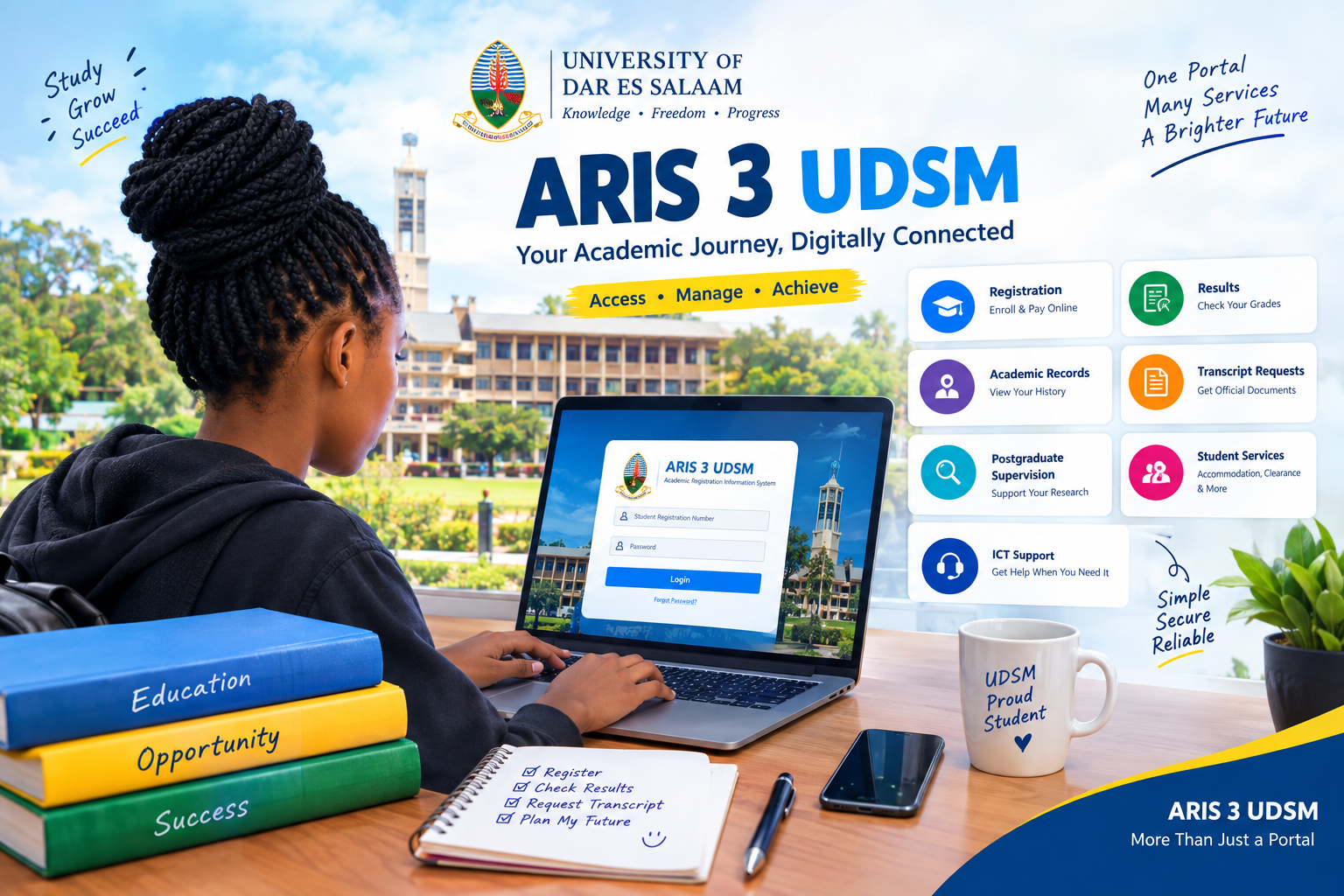
ARIS 3 UDSM serves as an important digital platform connected with academic and administrative activities at the University of Dar es Salaam. Instead of depending entirely on separate manual procedures, students can use the system for several tasks throughout their academic journey.
For a new student, the platform can initially seem unfamiliar. A continuing student may mainly use it for registration and academic information, while a final-year student may need it for records and transcript-related procedures. Postgraduate students can also encounter research and supervision functions.
This guide takes a fresh, student-journey approach to explain the platform, its major functions, login considerations, registration, results, transcript requests, postgraduate use, security, troubleshooting, and practical tips.
1. Understanding the Role of ARIS 3 UDSM
At its core, ARIS 3 UDSM is a university information system designed to support academic records, registration, examination results, and related student services.
The system is not simply a webpage where students sign in. Its role is broader because different university processes can be connected to a student’s digital account.
The exact services available can depend on the student’s academic level, programme, status, and current university procedures. Therefore, students should use the dashboard and current official UDSM instructions as their primary references.
A useful way to understand the platform is to see it as a digital gateway that can accompany a student from admission through different stages of university life.
2. Seven Major Functions Students Should Know
Academic Registration
One of the most important uses of ARIS 3 UDSM is academic registration.
Depending on the applicable university instructions, registration can involve payments, verification requirements, medical procedures, and course registration.
New students should carefully follow the joining instructions issued for their particular academic year. Continuing students should also check current registration requirements instead of relying on instructions from previous years.
After completing a registration task, it is useful to confirm that the expected status appears correctly in the system.
Academic Records
Academic information is another important area.
Students need accurate records throughout their studies because information stored in the university system can become relevant when applying for transcripts, completing graduation procedures, or handling other academic requirements.
Students should review important information periodically and contact the appropriate university office if something appears incorrect.
Examination Results
Students can also encounter examination-related information through ARIS 3 UDSM.
Digital access to results can make it easier for students to review their academic progress. However, students should remember that questions about missing, incomplete, or disputed results should be handled through the appropriate university channels.
Checking results promptly can also help students identify potential issues before they become urgent.
Transcript Requests
Transcript services are particularly important for students who need official academic documentation.
UDSM has documented a transcript-request workflow through ARIS 3 UDSM. The procedure includes logging into the system, opening the Academic menu, selecting My Transcript Requests, creating a new request, entering the requested information, and saving the request.
The process can generate a Control Number for payment. After payment, the procedure includes downloading the Transcript Request Form, attaching required documents, and following the university’s instructions for submitting those materials.
Students should always verify the current transcript procedure before starting a request because administrative requirements can change.
Postgraduate Online Supervision
For postgraduate students, ARIS 3 UDSM can provide access to research-related digital activities.
UDSM has documented an online supervision workflow covering activities such as proposal development, research clearance permit processing, data collection, intention to submit, examination arrangements, and examination.
This creates a structured digital environment for several stages of postgraduate research.
The platform does not replace communication with supervisors, departments, or postgraduate offices. Instead, it can support the administrative and academic workflow around those activities.
Student Administrative Services
The system can also support broader student administration.
UDSM materials have described functions connected with student clearance, accommodation, identification-related requests, communication, and other student lifecycle activities.
Not every service will necessarily appear for every student. Availability can depend on university configuration and the student’s status.
This is why students should use their own account dashboard to determine which services are currently available.
Digital University Support
Technical issues can occasionally affect access to online systems.
When a problem cannot be resolved through normal login or account procedures, students can use the university’s official ICT support channels.
UDSM specifically provides ICT support for systems including ARIS and advises users not to place passwords, Microsoft Authenticator information, or one-time verification codes inside support requests.
Read more: About Naolozut253: The Ultimate Guide to Understanding This Unusual Digital Term
3. How the Login Process Should Be Approached
When accessing ARIS 3 UDSM, students should start from an official University of Dar es Salaam source or current university document.
New students may receive specific sign-up instructions. Previous UDSM joining instructions have described account creation using a student registration number and password.
Because university portals can change over time, students should avoid depending on old screenshots or unofficial login guides.
A safer routine is:
- Open the official UDSM ARIS portal.
- Confirm that the page is the intended university service.
- Enter the correct student credentials.
- Complete any required verification.
- Sign out when using a shared computer.
Never send your password or verification code to another person who claims they can repair your account.
4. Registration: What Students Should Prepare
Before using ARIS 3 UDSM for registration, students should gather the information and documents required by their current university instructions.
Depending on the student’s situation, this may include:
- Registration information
- Required academic documents
- Payment information
- Course information
- Verification details
- Medical or administrative requirements
The exact requirements can differ between academic years and student categories.
A common mistake is assuming that completing one online step means the entire registration process is finished. Students should check for confirmation and any remaining requirements.
5. Checking Results Without Creating Confusion
When students use ARIS 3 UDSM to review examination information, they should carefully check the displayed details.
If the information looks incomplete or different from expected records, students should not immediately assume that the system is permanently wrong.
Instead, they can:
- Check whether results have officially been released.
- Refresh or revisit the account later if appropriate.
- Keep relevant academic evidence.
- Contact the correct university office if the issue remains.
This approach creates a clear record and avoids unnecessary confusion.
6. Transcript Requests Explained
Transcript requests can become particularly important when students apply for employment, further education, scholarships, or other opportunities.
The documented UDSM process for ARIS 3 UDSM transcript requests includes several stages.
Students begin by accessing the Academic menu and opening the transcript-request section. They then create a new request and provide the required details, including the number of copies and permanent address.
After saving the request, the system can provide a Control Number. Payment is then completed according to the university procedure.
The student can download the Transcript Request Form and attach the required documents. The university’s documented process also explains how the completed materials should be submitted.
Because these are administrative documents, students should keep copies of forms, payment evidence, and other relevant confirmations.
7. Postgraduate Students and Online Research Workflows
Postgraduate study introduces requirements that are different from ordinary undergraduate registration.
For eligible postgraduate users, ARIS 3 UDSM can support online supervision activities associated with different research milestones.
The documented workflow includes proposal development, research clearance, data collection, intention to submit, and examination arrangements.
Students should remember that postgraduate procedures can vary by programme. The portal should therefore be used together with instructions from the supervisor, department, faculty, or postgraduate administration.
8. Security Practices Every Student Should Follow
Academic accounts contain personal and educational information, so account security matters.
Students using ARIS 3 UDSM should follow several basic precautions.
Use a Strong Password
Avoid passwords that are easy for other people to guess. A unique password is preferable to reusing the same password across multiple websites.
Protect Verification Information
Never share one-time codes or authentication details with another person.
Avoid Suspicious Links
Do not enter university credentials into links received from unknown sources.
Sign Out on Shared Computers
If you use a computer in a laboratory, library, cybercafé, or another shared environment, sign out after completing your work.
Keep Important Documents Secure
Download or store important official documents in a secure location when appropriate.
9. Troubleshooting Common Access Problems
Students may sometimes experience difficulty while using ARIS 3 UDSM.
Incorrect Login Details
Double-check the registration number and password before trying again.
Account-Related Problems
If the account appears inactive or access remains unavailable, use the university’s official support process.
Website Loading Issues
A temporary connection problem can prevent pages from loading correctly. Checking the internet connection and trying again later can help identify whether the problem is temporary.
Academic Record Problems
For incorrect academic information, contact the relevant university office and provide supporting evidence.
Technical Problems
If the issue appears to be technical, UDSM ICT support is the appropriate route. Do not include passwords or verification codes in support requests.
10. Making the Platform Part of Your Academic Routine
The usefulness of ARIS 3 UDSM increases when students develop consistent digital habits.
Instead of visiting the platform only when a deadline is close, students can periodically review relevant academic information.
A simple routine could include:
Start of Semester: Check registration and course information.
During the Semester: Monitor important university communications and administrative requirements.
After Examinations: Review results when officially available.
Before Graduation: Confirm that records and required administrative steps are progressing correctly.
When Documents Are Needed: Start transcript or other documentation procedures early.
This approach can reduce last-minute administrative stress.
11. Differences Between New, Continuing, and Final-Year Students
Not every student uses ARIS 3 UDSM in the same way.
New Students
New students are likely to focus on account setup, registration, payments, verification, and learning the basic portal structure.
Continuing Students
Continuing students may use the platform more routinely for registration, academic information, and examination results.
Final-Year Students
Final-year students should pay particular attention to academic records, clearance, graduation requirements, and transcript-related procedures.
Postgraduate Students
Postgraduate students may interact with research and online supervision functions in addition to ordinary administrative services.
12. Why Current UDSM Instructions Matter
Online information can become outdated.
A tutorial published several years ago might show a different menu, process, or requirement from the one currently used by the university.
For important tasks involving ARIS 3 UDSM, students should therefore prioritize current UDSM joining instructions, official procedures, and university support information.
This is particularly important for registration, payments, transcript requests, account access, and postgraduate processes.
13. A Simple Checklist Before You Finish
Before leaving ARIS 3 UDSM, ask yourself:
- Did I complete the task successfully?
- Did the system provide a confirmation?
- Do I need to download a document?
- Is there a payment reference I need to keep?
- Does another office need supporting documents?
- Should I save the confirmation for later?
- Did I sign out if I used a shared computer?
These small checks can prevent avoidable problems.
ARIS 3 UDSM: Practical Tips for a Smoother Experience
Students can make their digital academic experience easier by keeping their university documents organized.
Create folders for registration records, payment confirmations, results, transcripts, and other important documents.
Use meaningful filenames so that documents can be found quickly.
Keep track of deadlines instead of waiting until the last day.
If a problem involves academic information, contact the relevant academic office. If it is a technical access problem, contact ICT support.
Most importantly, do not trust unofficial individuals who ask for account passwords or verification codes.
Read more: A Vintage-Inspired Oris Watch That Appeals to Everyone
Frequently Asked Questions
What is ARIS 3 UDSM?
It is a University of Dar es Salaam digital system supporting academic records, registration, results, transcript-related procedures, and other university services.
Who can use ARIS 3 UDSM?
University students and other eligible users can access functions associated with their accounts and university status.
Can students check examination results online?
The system supports access to examination-related academic information, subject to the university’s publication and account procedures.
Can students request transcripts through the system?
Yes. UDSM has documented a transcript-request workflow involving the Academic menu, transcript request, payment, required forms, and supporting documents.
Is ARIS 3 UDSM used by postgraduate students?
Yes. UDSM has documented online supervision functions supporting several postgraduate research activities.
What should I do if I cannot access my account?
Start with the current official university login or account instructions. If the issue continues, contact UDSM ICT support through its official channels.
Should I share my password with ICT support?
No. UDSM advises users not to include passwords, Microsoft Authenticator information, or one-time verification codes in support requests.
Final Thoughts
ARIS 3 UDSM plays an important role in connecting students with digital academic and administrative processes at the University of Dar es Salaam.
Its usefulness extends across different stages of university life. New students may use it for account setup and registration, continuing students can interact with academic information and results, and final-year students may need it for records and transcript-related procedures.
For postgraduate students, online supervision features can provide additional support for research-related milestones.
The most effective way to use the platform is to combine digital convenience with careful organization. Students should follow current official instructions, keep important confirmations, protect their credentials, and contact the appropriate university office whenever a problem requires human assistance.
Rather than viewing the portal as just another university website, students can think of it as one part of their overall academic workflow. Learning how its services fit together can make administrative tasks easier to understand and manage.
